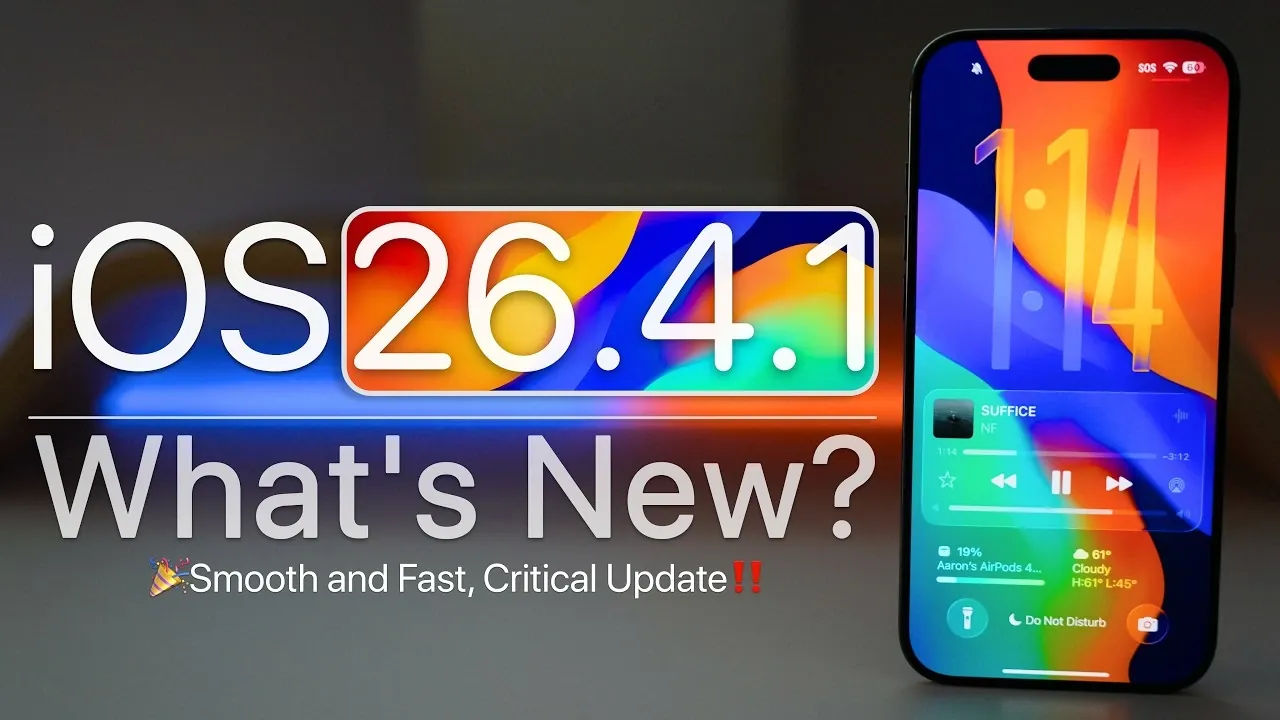
Apple has officially released iOS 26.4.1, a minor but significant update aimed at improving your device’s performance and addressing critical issues. This update is now available globally for all devices compatible with iOS 26. It introduces a range of bug fixes, security enhancements and system optimizations. Below is a detailed look at what this update offers and how it impacts your device in a new video from Zollotech.

What’s New in iOS 26.4.1?
This update primarily focuses on resolving persistent issues and enhancing overall functionality. Here are the key highlights:
- Bug Fixes: Apple has resolved several user-reported issues, including:
- Fixing iCloud sync problems that disrupted app notifications and functionality in the Passwords app.
- Addressing delays in clearing notifications, which improves workflow efficiency and responsiveness.
- Enhancing keyboard accuracy to reduce errors caused by mistyping, making sure a smoother typing experience.
- System Performance: Devices now deliver a more responsive and fluid experience. Additionally, Apple has addressed overheating concerns from previous versions, allowing devices to run cooler during extended use.
- Security Enhancements: While Apple has not disclosed specific CVE entries for this update, it likely includes critical security patches to safeguard against emerging threats and vulnerabilities.
These improvements aim to provide a more seamless and secure user experience, making iOS 26.4.1 a valuable update for most users.
Unresolved Issues
Despite the improvements introduced in iOS 26.4.1, some issues remain unresolved. Here are the key concerns to be aware of:
- Type to Siri: This feature continues to exhibit inconsistencies, which may affect usability for certain users who rely on it for accessibility or convenience.
- Battery Performance: Some users have reported concerns about battery life, though this appears to vary based on individual usage patterns and device conditions.
- Wallpaper Desaturation: Certain wallpapers still appear less vibrant, an issue that has persisted through recent updates and remains unaddressed.
Apple is expected to address these issues in future updates, so users experiencing these problems should keep an eye out for upcoming releases.
How to Update Your Device
Updating to iOS 26.4.1 is a straightforward process. Follow these steps to ensure a smooth installation:
- Open the Settings app on your device and navigate to General > Software Update.
- Ensure your device has at least 587.2 MB of free storage and is connected to a stable Wi-Fi network.
- Tap Download and Install to begin the update process. Follow the on-screen instructions to complete the installation.
It is important to note that users enrolled in the iOS 26.5 beta program will not see this update, as beta versions operate on a separate update track.
What’s Next?
Looking ahead, Apple has several updates and announcements planned for the near future. The iOS 26.5 beta 2 is expected to be released soon, with a public rollout anticipated in early May. Additionally, the highly anticipated iOS 27 preview is set to debut at WWDC 2026 in June. This preview will offer a glimpse into the next generation of iOS features and enhancements, setting the stage for future updates.
Should You Update?
For users currently running iOS 26.4, upgrading to iOS 26.4.1 is highly recommended. This update addresses critical bugs, enhances system stability and improves security, making sure your device operates at its best. However, if you rely heavily on features like “Type to Siri” or are particularly concerned about battery performance, you may want to monitor future updates for additional fixes.
By keeping your device updated, you not only benefit from the latest improvements but also ensure your device remains secure and optimized for daily use. Staying current with updates is an essential step in maintaining the performance and longevity of your iOS device.
Take a look at other insightful guides from our broad collection that might capture your interest in iOS 26.4.1 update.
- Apple iOS 26.4.1 Confirmed: List of Bug Fixes and More
- iOS 26.4 Release Date, Features and Performance Details
- Top 10 iOS 26.4 Beta 1 Updates You Should Know About
Source & Image Credit: zollotech
Disclosure: Some of our articles include affiliate links. If you buy something through one of these links, Geeky Gadgets may earn an affiliate commission. Learn about our Disclosure Policy.
